
Control System
Using video content in live theatre, is simpler than you might think. In basic terms, a projection surface, or LED screen, is the same setup as connecting a seperate display to your computer. There are many ways we can make projectors work a lot more elegantly than connecting a second display, but if you can setup an external monitor you’re halfway to integrating a video system.
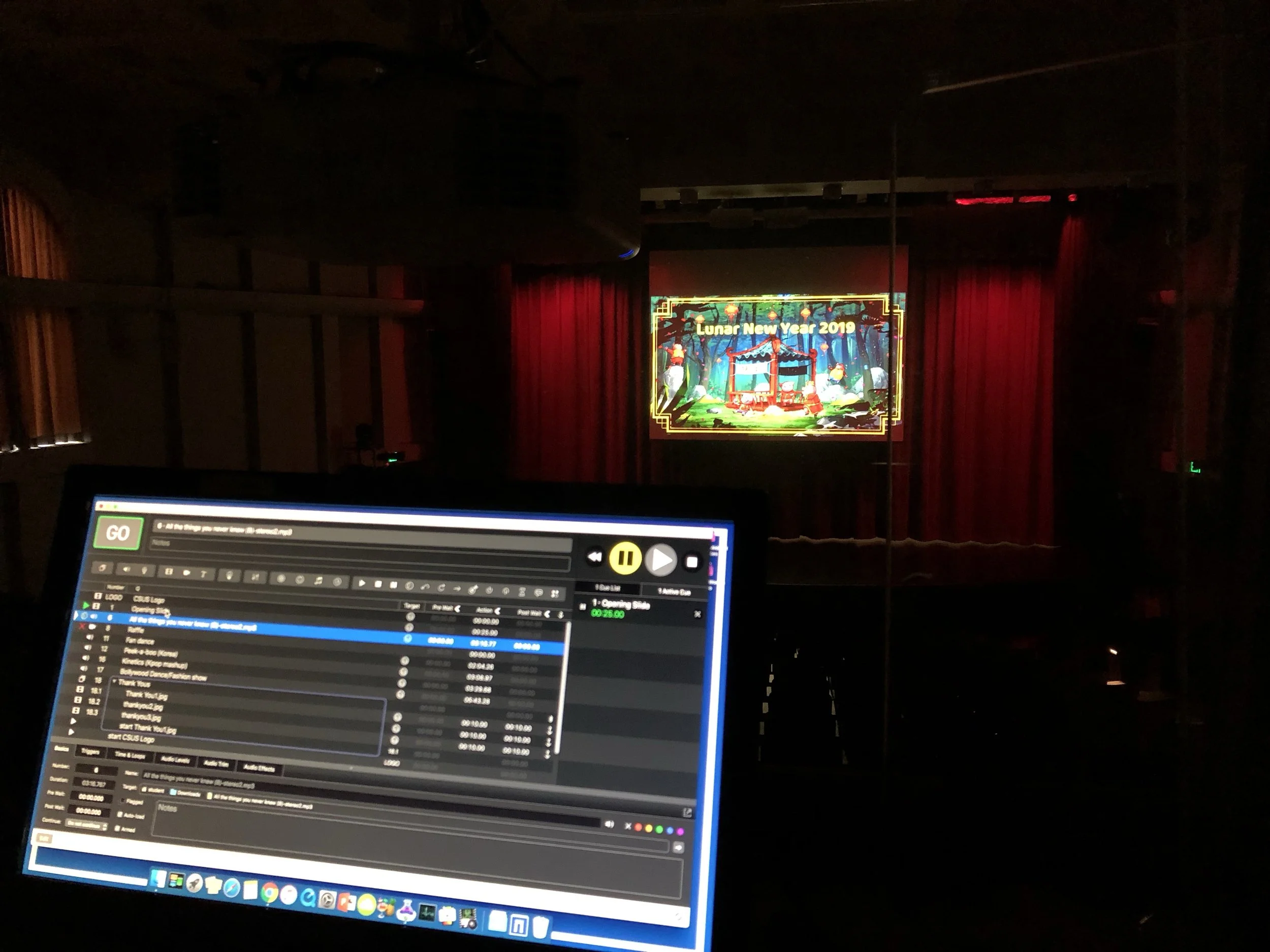
Having a good control system is vital to using projection reliably in your shows. We program our showfiles for QLab. Qlab is a show-control application used to run audio, video and other cues during a live performance. For projection, video files can be loaded into QLab and arranged in a cue list, allowing an operator to trigger backgrounds, animations and visual effects at specific points in the show. Cues can be started manually or timed to follow other cues, making it possible to coordinate projections with dialogue, music, lighting and scene changes. QLab also supports multiple video outputs, allowing content to be sent to different projectors or screens as required. Once the cues are set up and tested, the operator can run the projection system from a single interface during the performance.
HDBaseT - More Expensive, More Reliable
HDBaseT is a much lesser known format of video. Similar to using a HDMI extender, HDBaseT uses a network cable, however its generally more reliable and professional standard of sending video over a network cable. It requires HDMI to HDBaseT converter boxes too. Some projectors accept HDBaseT directly so you may only need the transmitter. These converters are usually more expensive than HDMI extenders, but they’re much cheaper than SDI, or Fibre options.
SDI - More Expensive, Professional Standard
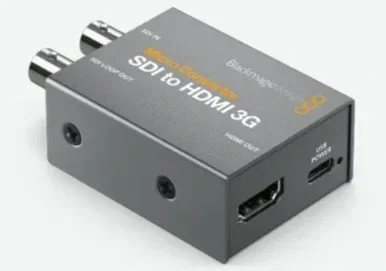
SDI signals are much more reliable at longer distances. Standards of SDI are used in live video broadcast. Using HDMI to SDI converter boxes can be another cost effective and more reliable connection method. These adapter boxes convert the HDMI signal from your laptop, to SDI. Some projectors can accept SDI directly, by you can also convert back to HDMI to be inputted into the projector. The downside is SDI is typically a more expensive cable type than a standard network cable. But many theatres have SDI cabling already installed.
HDMI with Extenders
The connection method between the QLab computer and the projectors depends on the distance, equipment and number of outputs required. HDMI is common for shorter cable runs. A simple setup that may work for smaller venues, is having a laptop on the side of the stage, using HDMI to ethernet extenders at either end of a network internet cable. Reliability varies a lot with this setup. It’s quite cost effective and having a good quality network cable is essential for cheaper HDMI extenders.
Using Our Projection Packages
QLab can be used to run projection content directly during a performance, with each video assigned to a cue that can be triggered by an operator. Cue-1 projection packages are designed to make this process straightforward, providing pre-made projection content alongside a prepared QLab file and cue sheet. The QLab file organises the content into cues, while the cue sheet helps the operator follow the sequence of projections throughout the show. This reduces the amount of setup required and allows the production team to focus on programming and rehearsing the performance rather than building the projection system from scratch. The files can be adapted to suit the requirements of the production and the available projection equipment. Qlab have a lot of information on their site with using video in Qlab specifically. https://qlab.app/docs/v5/video/introduction-to-video/